


Account & billing
Free trial limits
What you can do during the IsOn24 free trial, the trial limits on calls and text messages, and how to continue after the trial ends.
Set up, customize, and get the most out of your IsOn24 Call Agent: step-by-step guides, integration help, and product updates.
What you can do during the IsOn24 free trial, the trial limits on calls and text messages, and how to continue after the trial ends.

Get started with your IsOn24 Call Agent: set your business details, greeting, and call options so it answers routine calls just like you.

An introduction to IsOn24 reports: see your call volume, outcomes, and trends, and use the insights to serve customers better.

Use IsOn24 audio codes to add silence, waiting music, ringback tones, or dial digits on the calling phone in your Call Agent's replies.

Set up the IsOn24 automatic call queue to hold callers in order and ring them through to any phone, computer, or tablet, keeping your numbers private.
Watch how to add a follow-up question to your IsOn24 call experience, so the Call Agent asks callers for more details before it acts.

Customize how the IsOn24 AI Call Agent answers calls: greetings, main options, text backs, appointments, leads, and call forwarding.
Replace the default voice with your own: record custom greetings and phrases with a recommended free app and send them to the IsOn24 care team.

Create an announcement for your phone line and website in under a minute, so callers and visitors hear your latest news first.

Connect IsOn24 to Google Calendar so callers book appointments by phone or text and they appear on your calendar, with no overbooking.
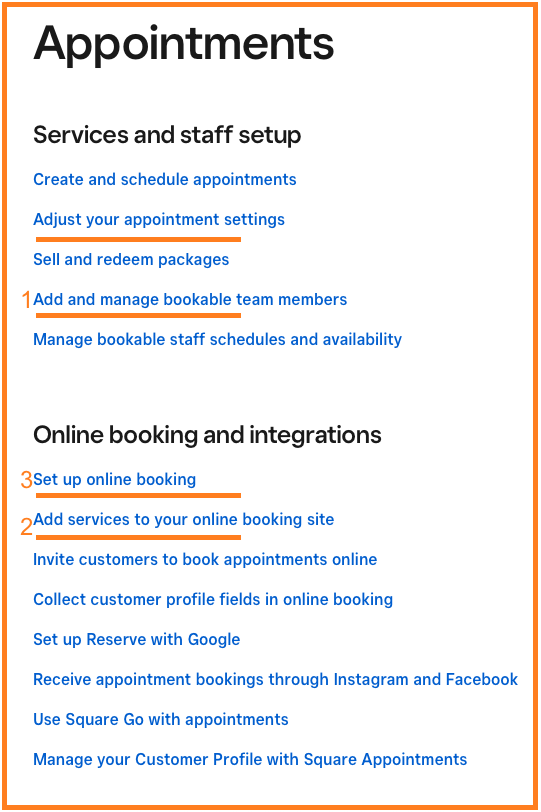
A quick guide to setting up Square Appointments so IsOn24 can book your services, staff, and hours over the phone and by text.

Everything about the IsOn24 Square integration: how to connect, how phone bookings, leads, and texts work, limits, and troubleshooting.
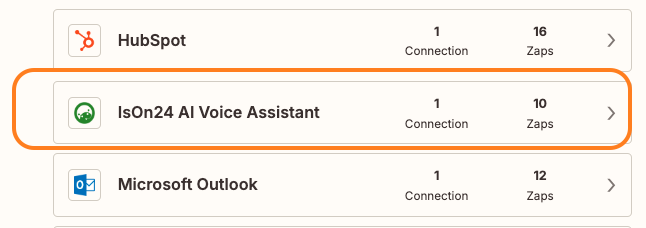
Connect several IsOn24 accounts or locations to one Zapier account by creating a separate IsOn24 connection for each location.
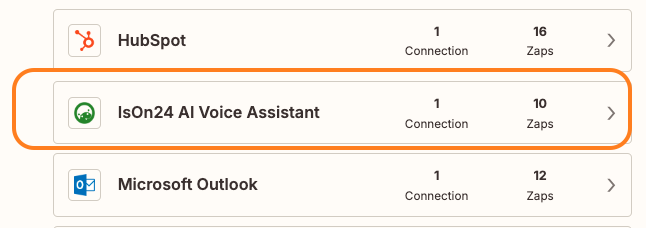
Got a Zapier alert about your IsOn24 connection? Follow these steps to reconnect your IsOn24 account and get your Zaps running again.

Connect IsOn24 to 2,000+ apps with Zapier. Send calls, leads, and appointments to your CRM, spreadsheets, and email with no coding.
Add the IsOn24 code to your website so visitors can reach your Call Agent online, and you never miss a customer or a lead.
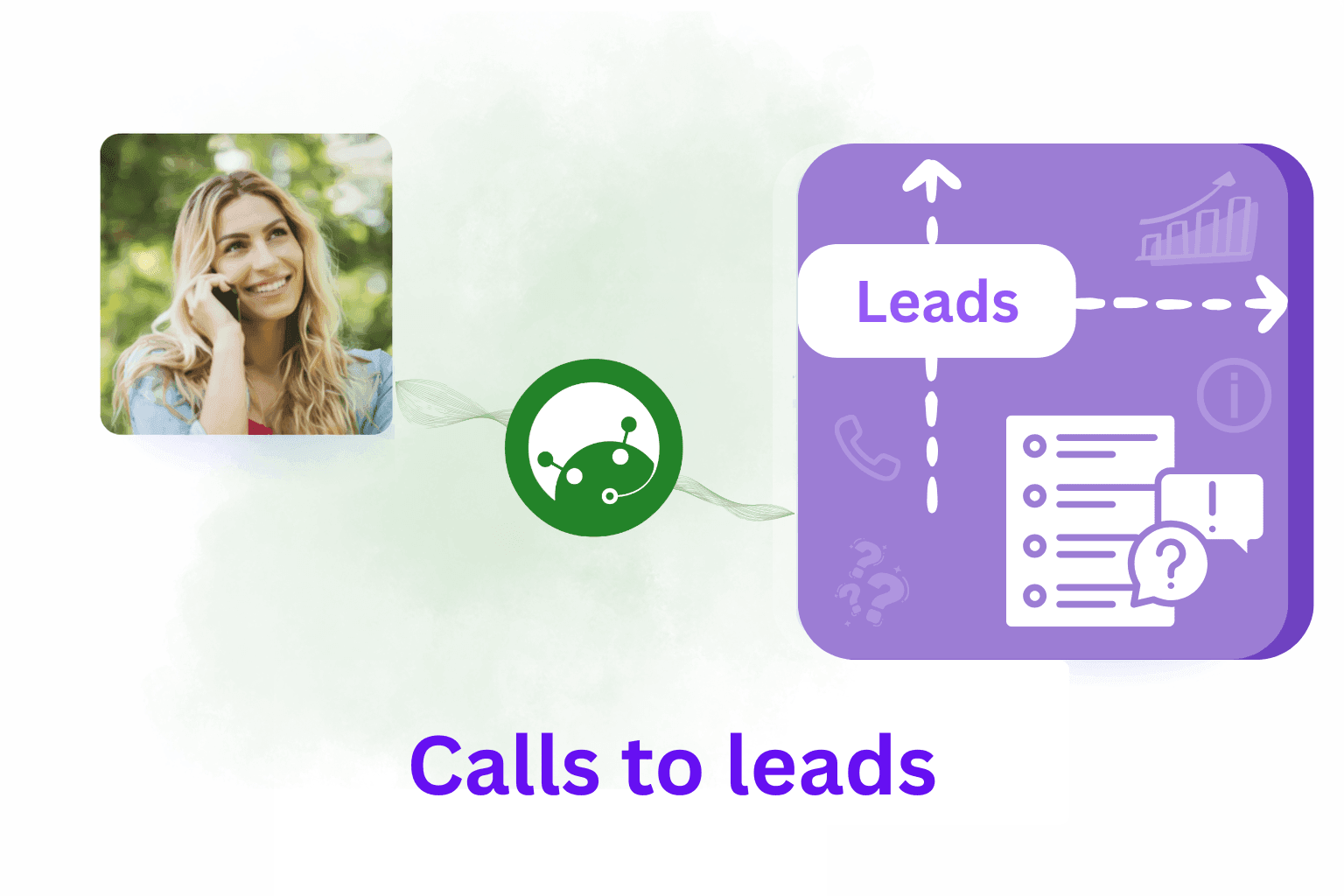
Use the IsOn24 Leads system to capture, review, and follow up on leads from phone calls, text messages, and your website.
Best practices for automated text messaging with IsOn24: stay compliant, avoid spam filters, and keep customers engaged.

Move your current business phone number to IsOn24: the information we need, how porting works, and how long it takes.
Not sure of a legacy business line's number? Call one of these automated numbers from that line and it will read the number back to you.

Forward calls from your current business phone to IsOn24, with links to call forwarding instructions for major phone carriers.
What you can do during the IsOn24 free trial, the trial limits on calls and text messages, and how to continue after the trial ends.
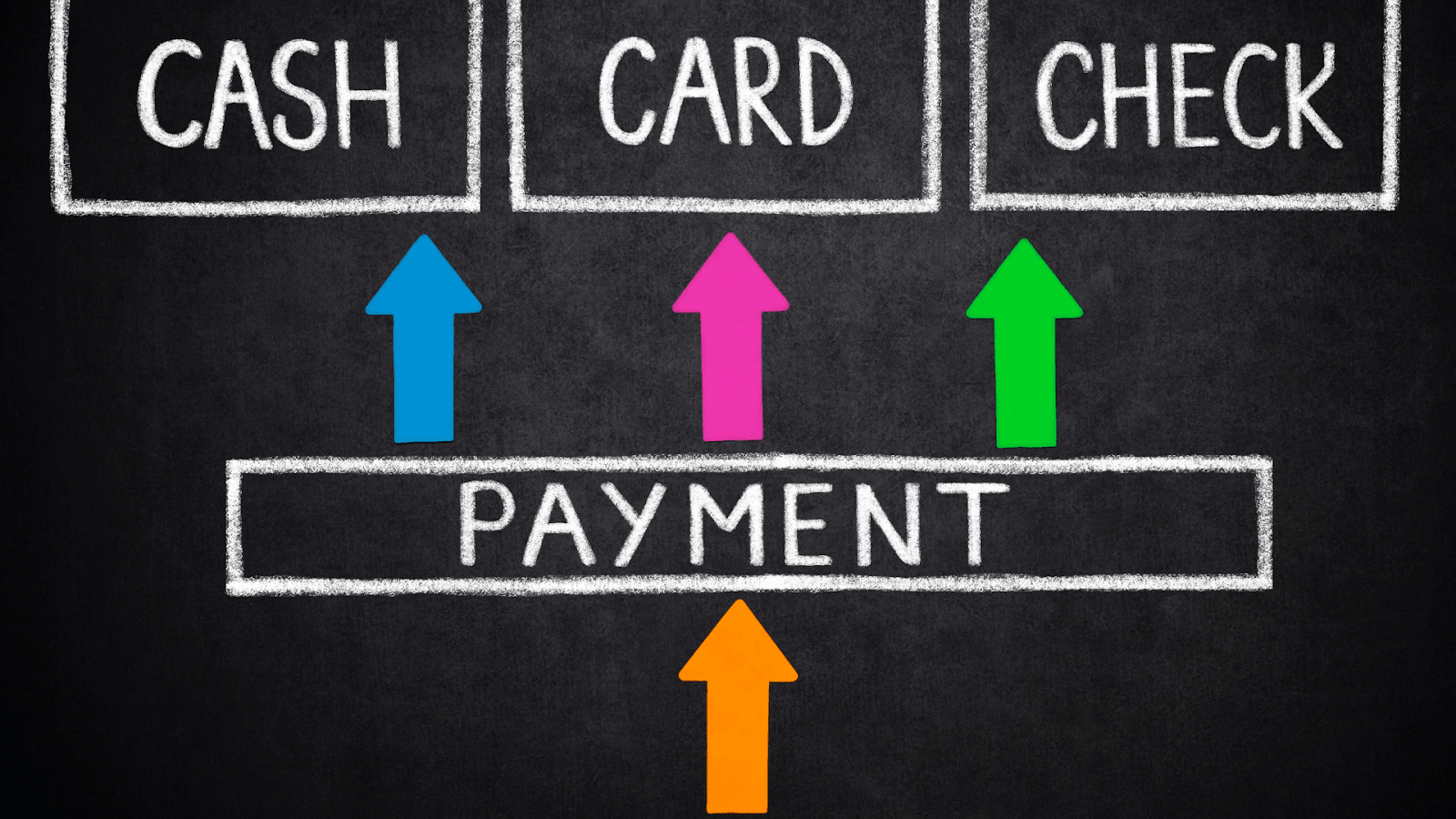
Step-by-step: add a new card or update the payment method for your IsOn24 subscription from the app's billing screen.

Keep your IsOn24 account secure: practical steps to protect your logins, phone numbers, and text messaging from unauthorized use.

Add another business or location to your IsOn24 account from the app, so each location gets its own Call Agent, phone number, and settings.

Manage IsOn24 billing yourself: change your payment card, view payment history, and download invoices from the app.
Bookmark the IsOn24 web app or add it to your iPad home screen so you can open your calls, messages, and leads in one tap.
Add an IsOn24 app icon to your iPhone home screen from a text alert, so your calls, messages, and leads are one tap away.
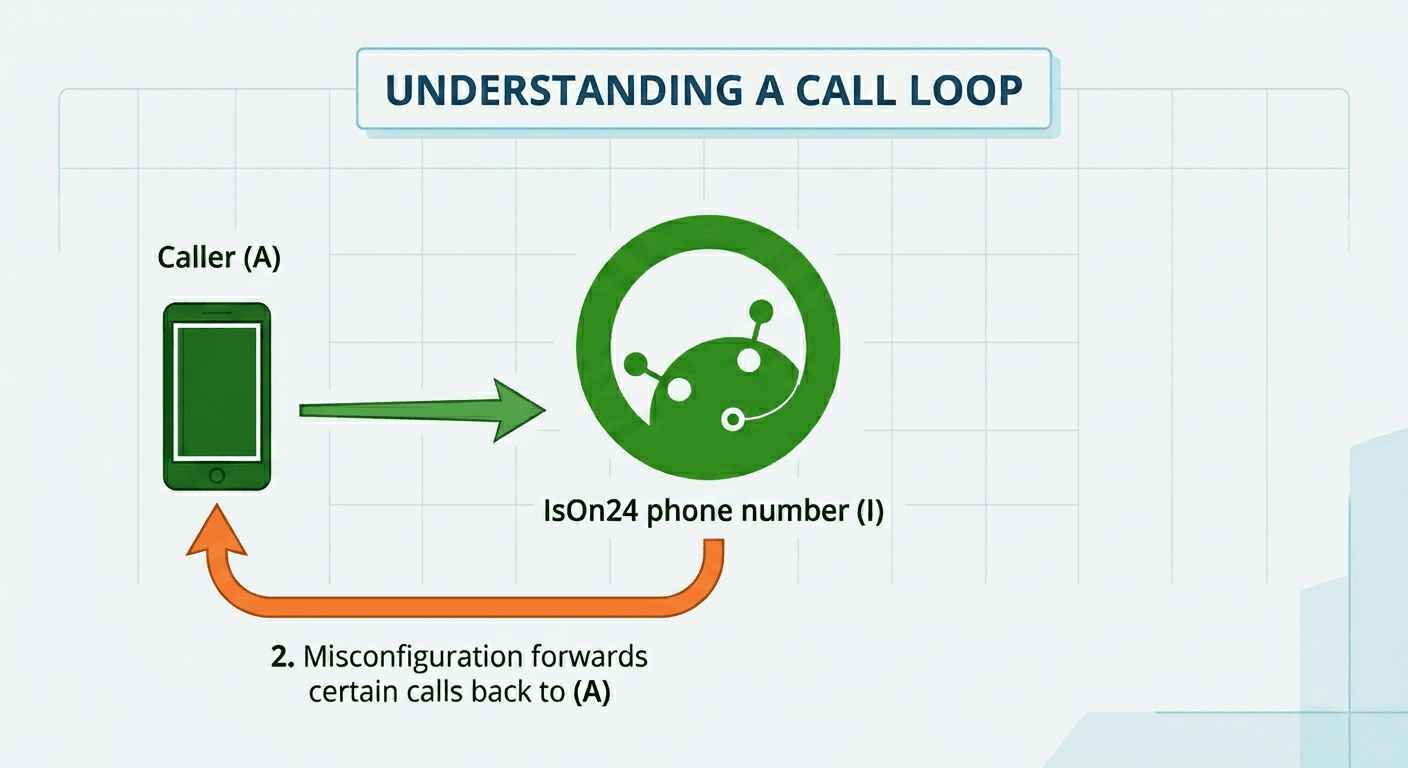
What a call loop is, why calls can get forwarded back to the same number, and how to fix it with call forwarding or the call queue.
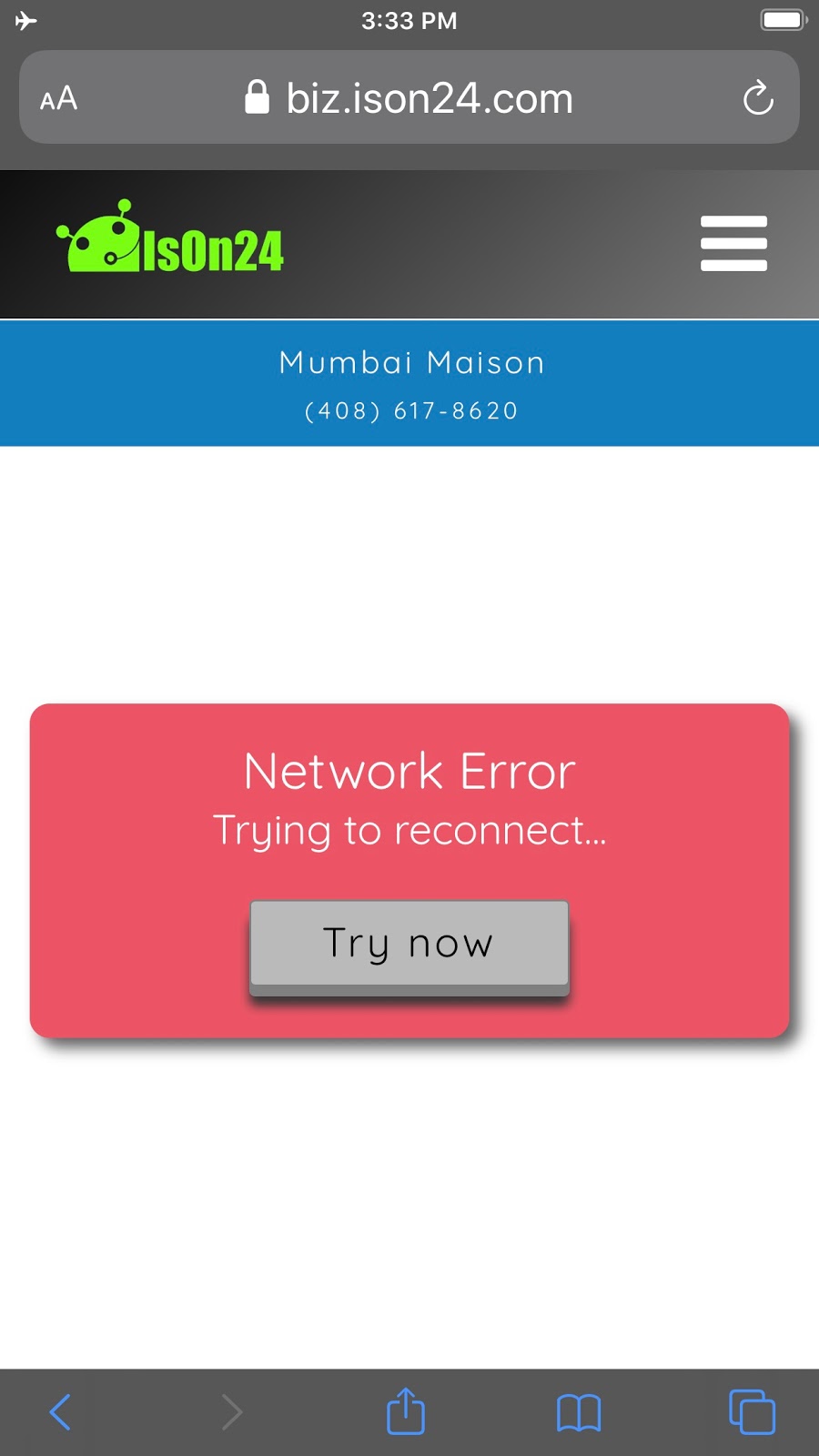
Trouble opening the IsOn24 app on an iPhone or iPad? Check your connection, clear Safari's website data, and sign in again.
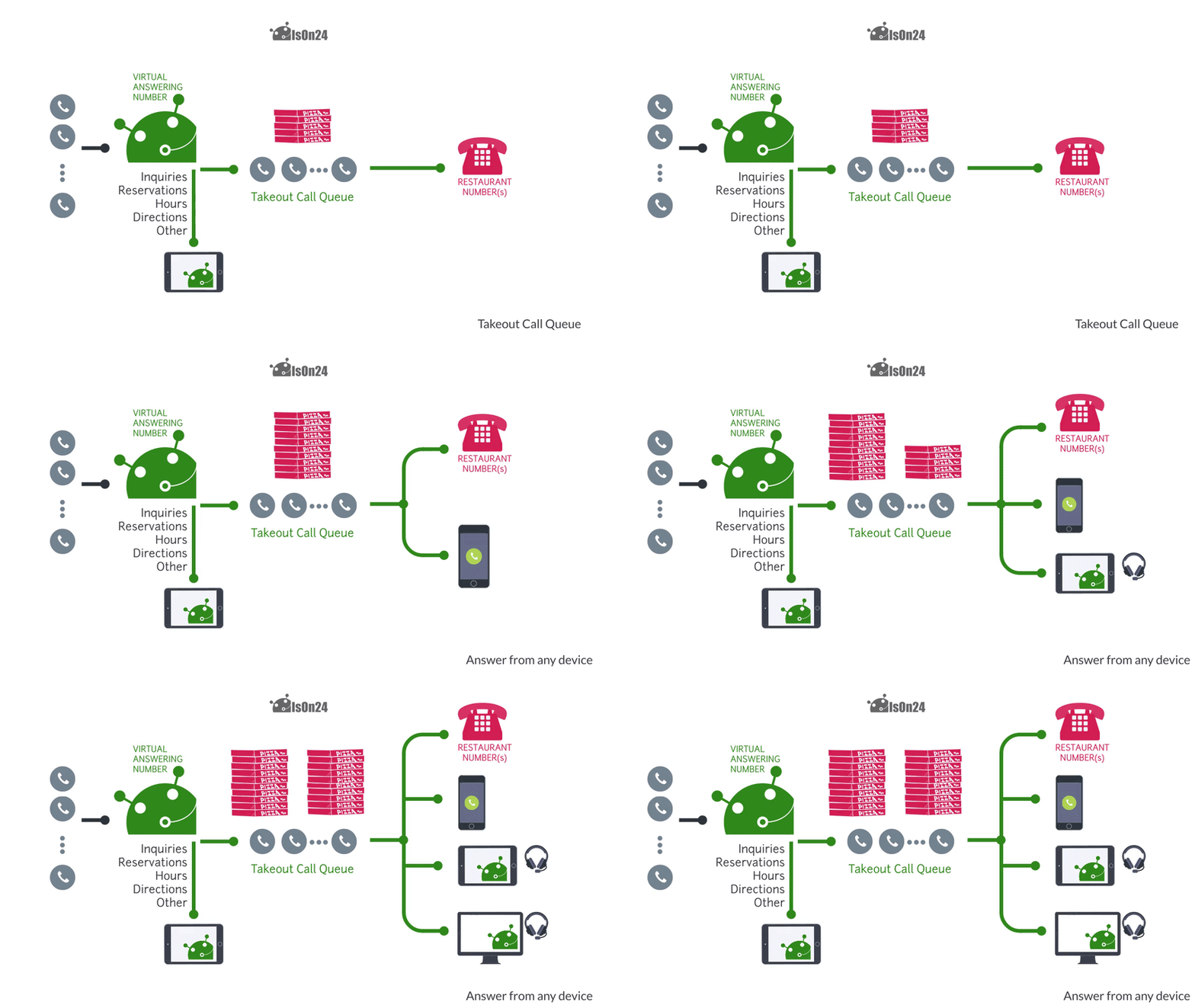
Set up IsOn24 to handle takeout calls for your restaurant and ring them through to any phone, while keeping your numbers private.

The easiest way for restaurants to publish deals and promotions to guests on the phone and online with IsOn24.
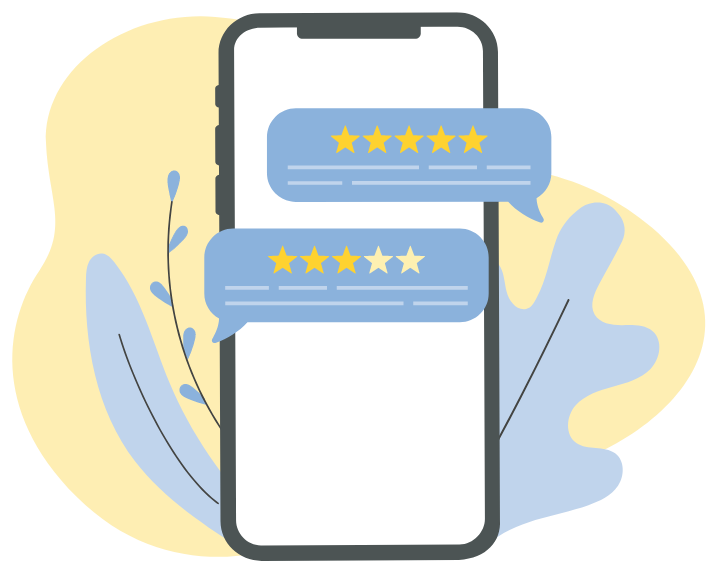
Enjoying IsOn24? Share your experience and help other business owners by leaving us a testimonial or review.

IsOn24 news from September 2020: new Call Agent features, reports, and tips to help your business answer every call.

IsOn24 news from May 2020: the shift to off-premise sales, new features in the works, and tips for restaurants and small businesses.

IsOn24 news from April 2020: new takeout features, marketing tips, and product updates for businesses adapting to off-premise sales.

IsOn24 news from March 2020: new features and updates to help businesses keep answering customers during a challenging time.
No guides match your search. Try another word, or ask our care team.